For the bigger picture and full context, make sure you read our main guide on Free DAW for Mac: Making Music Without the Cost.
markdown
Staring at a blank project in a Digital Audio Workstation (DAW) can be daunting, especially if you're also staring at a hefty price tag for the software itself. The good news is that diving into music production doesn't require a major financial investment. A surprising number of truly capable free digital audio workstation options exist, ready to fuel your creativity.
At a glance:
- Discover how to choose the right free DAW based on your music goals and experience.
- Explore the strengths and weaknesses of popular free DAWs like GarageBand, Cakewalk by BandLab, and Waveform Free.
- Learn practical tips for overcoming limitations in free DAWs and maximizing their potential.
- Understand the upgrade paths available should you outgrow a free option.
- Quickly address common misconceptions about the limitations of free music production software.
Matching Your Music Goals to the Right Free DAW
Not all DAWs are created equal, and that's especially true in the free software landscape. Before downloading the first free digital audio workstation you encounter, carefully consider your musical aspirations. What kind of music do you want to create, and what's your current skill level?
- Beginner Beatmakers: If you're just starting with beatmaking and sample-based music, MPC Beats or Serato Studio Free offer intuitive workflows and pre-loaded sounds. GarageBand (macOS only) is also exceptionally user-friendly.
- Aspiring Songwriters: GarageBand's Smart Instruments and loop library can be incredibly helpful for sketching out song ideas. Cakewalk by BandLab (Windows only) provides a full-featured environment for recording vocals and instruments.
- Electronic Music Producers: LMMS is a fantastic open-source option focused on electronic music creation, boasting powerful built-in synthesizers. Waveform Free offers a modular mixing environment appealing to more advanced users.
- Audio Editing & Podcast Production: While not a traditional DAW, Audacity is a robust and lightweight audio editor perfect for recording and editing spoken word, cleaning up audio, and basic mastering.
Example: Imagine you want to create lo-fi hip-hop beats. MPC Beats, with its 4x4 drum pad interface and sample library, is likely a better starting point than Ardour, which is geared toward more complex recording and mixing tasks.
Key Features to Consider in a Free Digital Audio Workstation
Beyond your musical genre, specific features can make or break your experience with a free digital audio workstation. Here are a few critical areas to evaluate:
- Track Limits: Some free DAWs restrict the number of audio and MIDI tracks you can use in a project. While this might not be an issue for simple projects, it can become limiting for complex arrangements. Cakewalk by BandLab and Waveform Free offer unlimited tracks.
- Plugin Support: VST and AU plugins are essential for expanding your sonic palette with virtual instruments and effects. Ensure the DAW supports the plugin format compatible with your existing (or desired) plugins. Studio One 5 Prime notably lacks third-party plugin support. This is a major deal breaker for most experienced musicians.
- Virtual Instruments: Some free DAWs come with a selection of built-in virtual instruments, such as synthesizers, samplers, and drum machines. LMMS, for instance, has several built-in synths, while GarageBand features a diverse range of Smart Instruments.
- Ease of Use: A complex interface can be overwhelming for beginners. GarageBand is known for its intuitive design, while Ardour has a steeper learning curve. Consider your technical skills and how much time you're willing to invest in learning the software.
- Upgrade Path: If you eventually outgrow the free version, does the DAW offer a paid upgrade with more features? This can provide a seamless transition and avoid the need to learn a new DAW from scratch.
Popular Free DAWs: A Closer Look
Let's delve into some of the most popular free digital audio workstation options available and their unique strengths and weaknesses:
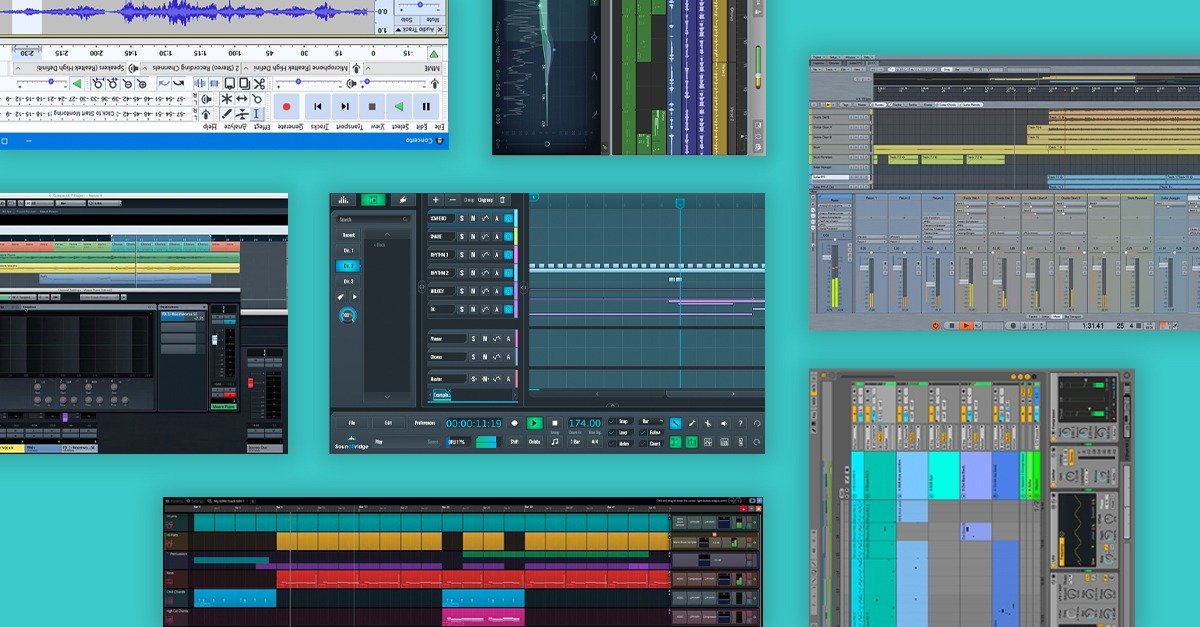
| DAW | Operating System(s) | Key Strengths | Limitations | Best For |
|---|---|---|---|---|
| GarageBand | macOS, iOS | User-friendly, Drummer Track, Smart Instruments, AU plugin support | Limited advanced features | Beginners, songwriters, podcasting |
| Cakewalk by BandLab | Windows | Full-featured, unlimited tracks, ProChannel modules, Melodyne integration | Resource-intensive, steep learning curve | Advanced users, professional recording and mixing |
| Waveform Free | macOS, Windows, Linux | Unlimited tracks, plugin support (VST, VST3, AU, LV2), Modular Mixing Environment | Some features locked in the Pro version | Intermediate to advanced users, electronic music production |
| LMMS | macOS, Windows, Linux | Open-source, electronic music focused, built-in synthesizers | Lacks direct audio recording, potential stability issues with large projects | Electronic music producers, beatmakers |
| Ardour | macOS, Windows, Linux | Powerful, record, edit, and mix across platforms, plugin support | Steeper learning curve | Users needing advanced recording and mixing capabilities across multiple platforms |
| MPC Beats | macOS, Windows | Beat-making focused, MPC workflow, 2GB sound library | Limited to eight MIDI/instrument tracks and two stereo audio tracks | Beatmakers, hip-hop producers |
| Serato Studio Free | macOS, Windows | Beat-making, DJ-centric workflow, four Decks, Auto Chord Mode | Limited to one Audio Track and MP3 export | DJs, beatmakers who want a quick and intuitive workflow |
| Studio One 5 Prime | macOS, Windows | Drag-and-drop workflow, unlimited audio/MIDI tracks, built-in effects | Lacks third-party plugin support (VST/AU) | Beginners who want a streamlined workflow and don't rely on external plugins |
| Audacity | macOS, Windows, Linux | Open-source audio editor, lightweight, real-time audio effects, noise reduction tool | No MIDI or instrument plugin support | Audio editing, podcasting, basic mastering |
| Case Snippet: A friend of mine, a singer-songwriter, started with GarageBand on her MacBook. She loved the ease of use and the built-in instruments helped her flesh out song ideas quickly. Eventually, she needed more advanced mixing features and the ability to use her favorite VST plugins. She then upgraded to Logic Pro, which seamlessly integrated with her existing GarageBand projects. This is Options exploring cost-effectiveness: * Get Your Free Mac DAW * Free Mac Music Production Guide * Mac DAW: No Cost Music Options emphasizing the benefits: * Mac Music Creation, Free DAW * Free Music Studio for Mac Option that sounds a little more 'user-friendly' : * Mac Music? Try a Free DAW. a common and sensible path. |
Practical Playbook: Maximizing Your Free DAW Experience
Even the best free digital audio workstation comes with limitations. Here's how to overcome them and get the most out of your chosen software:
- Embrace Stock Plugins: Don't underestimate the power of the built-in effects and instruments. Learn them inside and out. Many free DAWs have surprisingly capable stock tools.
- Explore Free Plugins: Numerous free VST and AU plugins are available online. Websites like VST4FREE and Plugin Boutique offer a vast selection of instruments and effects. Be sure to scan downloaded plugins for malware before installing.
- Utilize Online Resources: YouTube tutorials, forums, and online communities are invaluable for learning tips and tricks. Search for tutorials specific to your chosen DAW.
- Master Keyboard Shortcuts: Learning keyboard shortcuts can significantly speed up your workflow. Most DAWs have customizable shortcuts.
- Bounce Tracks: If you're hitting track limits, consider "bouncing" or rendering multiple tracks into a single audio file. This can free up tracks for other instruments or effects. Note: Be cautious about bouncing before you're absolutely sure about the mix, as it's harder to undo changes.
- Consider Collaboration: Working with other musicians who use different DAWs can open up new possibilities. You can export stems (individual tracks) from your DAW and import them into theirs.
Quick Answers: Common Questions & Misconceptions
- Q: Are free DAWs good enough for professional use?
- A: Absolutely. DAWs like Cakewalk by BandLab are fully capable of producing professional-quality music. The limitations are often in the user's skill and knowledge, not the software itself.
- Q: Do free DAWs sound worse than paid DAWs?
- A: No. The audio quality depends on the quality of your recordings, samples, and mixing techniques, not the DAW itself.
- Q: Is it legal to use a free DAW for commercial purposes?
- A: Yes, as long as the DAW's license agreement allows it. Be sure to read the licensing terms carefully.
- Q: Will a free DAW limit my creativity?
- A: Initially, it might seem so. However, limitations often force creativity. Working within constraints can lead to innovative solutions and unique sounds.
- Q: Can I move projects created in a free DAW to a paid DAW later?
- A: It depends on the DAWs involved. Some DAWs, like GarageBand and Logic Pro, are designed for seamless project transfer. Others may require exporting stems and re-importing them into the new DAW.
Your Next Steps Toward Making Music, Cost-Free
Choosing the right free digital audio workstation is a personal decision. Start by defining your musical goals and experience level. Then, explore the options that align with your needs. Download a few trials, experiment with their features, and see which one clicks with your workflow. Don't be afraid to switch DAWs if one isn't working for you. The most important thing is to start creating music and having fun. The best DAW is the one you actually use.