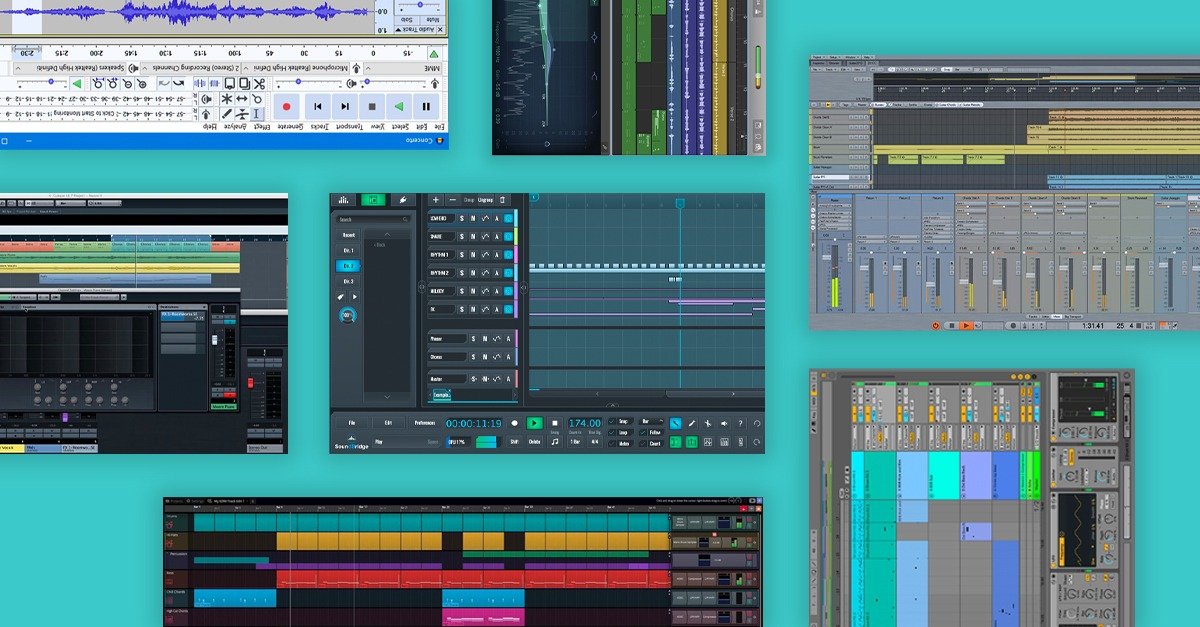
Ever wanted to record that melody stuck in your head but felt intimidated by the cost of music production software? You might be surprised to learn just how powerful some free audio workstation software has become. Many artists are creating professional-sounding tracks using DAWs that don't cost a dime.
At a glance:
- Discover the capabilities of free DAWs, including the unexpected pro-level features some offer.
- Learn how to choose the right free DAW for your specific needs and musical style.
- Understand the limitations of free software and when it might be time to upgrade.
- Get practical tips on getting started and maximizing your music production workflow on a budget.
- Quickly resolve common questions and misconceptions about free DAWs.
What Can You Really Do With Free Audio Workstation Software?
The first thing many aspiring music producers ask is: can you really make good music with free software? The answer is a resounding yes! Free DAWs often pack in features that rival entry-level paid options. Think of them as stripped-down versions of professional tools, offering core functionality without the steep price.
For example, GarageBand (included with macOS) offers a surprisingly robust set of features, including virtual instruments, loops, and even basic mixing tools. LMMS is a great option for electronic music production.
The key is understanding what you need from a DAW and matching it to the strengths of the available free options.
Choosing Your Free DAW: Finding the Right Fit
Not all free audio workstation software is created equal. Your musical style, experience level, and specific needs should guide your choice.
Here's a simple decision framework:
- What genre of music do you make?
- Electronic music? Look at LMMS, Akai MPC Beats, or Ableton Live Lite.
- Recording live instruments and vocals? GarageBand, Waveform Free, or Ardour are great starting points.
- Primarily audio editing and podcasting? Audacity excels in this area.
- What's your experience level?
- Beginner? GarageBand's user-friendly interface is hard to beat. Akai MPC Beats is also very approachable.
- Intermediate/Advanced? Waveform Free and Ardour offer more advanced features and customization.
- What features are essential for your workflow?
- VST plugin support? Waveform Free or Ardour.
- Extensive sound libraries? GarageBand has a large built-in library.
- MIDI sequencing capabilities? LMMS is tailored for this.
It's worth downloading a few different DAWs and experimenting to find the one that clicks best with your workflow.
Free Mac DAW Guide
Want a broader view of free DAWs for Mac? Here are a few options, aiming for natural integration: * Free Mac DAW Guide * Download a free Mac DAW * Making music on Mac, free * Free DAW for Mac users * Start making music, free. The right DAW for you depends on your experience level and musical style.
Understanding the Trade-offs: Limitations of Free DAWs
While free audio workstation software offers incredible value, it's important to be aware of its limitations. These limitations often come in the form of:
- Track limits: Some free DAWs restrict the number of audio and MIDI tracks you can use in a project. Ableton Live Lite, for instance, limits you to eight audio tracks and eight MIDI tracks.
- Feature restrictions: Advanced features like surround sound mixing, certain effects, or specific export options may be disabled. Studio One 5 Prime doesn't support third-party virtual instruments.
- Plugin limitations: Some free DAWs have limited or no support for VST plugins, which are essential for expanding your sound palette.
- Limited sound libraries: Free versions generally have smaller built-in sound libraries compared to their paid counterparts.
These limitations don't necessarily make a free DAW unusable. Many producers find creative ways to work around them. However, it's something to consider as your projects become more complex.
Maximizing Your Workflow: Tips for Free DAWs
Even with limitations, you can optimize your workflow to create professional-sounding music with free audio workstation software.
- Embrace stock plugins: Many free DAWs come with surprisingly powerful built-in effects and instruments. Learn them inside and out before reaching for third-party plugins.
- Utilize free sound libraries: Sites like Splice offer royalty-free samples and loops that can supplement your DAW's built-in library.
- Master gain staging: Proper gain staging (managing the volume levels of each track) is crucial for achieving a clean and professional mix, especially when working with limited processing power.
- Learn keyboard shortcuts: Speed up your workflow by memorizing essential keyboard shortcuts for your chosen DAW.
- Backup your projects: This is critical! Use cloud storage or external hard drives to protect your work.
When to Upgrade: Recognizing Your Needs
At some point, the limitations of free audio workstation software may start to hinder your creative process. This is a sign that it might be time to consider upgrading to a paid DAW. Here are some telltale signs:
- You're constantly hitting track limits.
- You need specific features that aren't available in the free version.
- You're spending more time working around limitations than making music.
- You need more advanced mixing and mastering tools.
Upgrading provides access to more tracks, features, plugins, and overall flexibility. Consider upgrading to a full version of your chosen DAW (e.g., Ableton Live Standard, Logic Pro X) before jumping to another DAW.
Quick Answers: FAQs About Free DAWs
Q: Is free audio workstation software really capable of producing professional-quality music?
A: Absolutely. Many artists have released commercially successful tracks made entirely with free DAWs. The software is only a tool; the quality of the music depends on the skill and creativity of the producer.
Q: Are free DAWs safe to download and use?
A: As with any software, it's important to download free DAWs from reputable sources. Stick to the official websites of the software developers to avoid malware or viruses.
Q: Can I use VST plugins with free DAWs?
A: Some free DAWs, like Waveform Free and Ardour, support VST plugins. Others, like the free version of Studio One, do not. Check the DAW's specifications before downloading.
Q: Do I need a powerful computer to run free DAWs?
A: While a powerful computer is always helpful, many free DAWs are designed to run efficiently on older or less powerful machines. However, complex projects with many tracks and plugins will require more processing power.
Your Next Steps: Start Making Music Today
The world of free audio workstation software is ripe with possibilities. Don't let the price tag fool you; these tools are capable of producing incredible music.
Quick Start:
- Download and install a DAW: Choose one based on your style and experience (refer to the decision framework above).
- Watch beginner tutorials: Most DAWs have extensive online tutorials to help you get started.
- Experiment with the built-in sounds and effects: Get familiar with the tools at your disposal.
- Start creating! Don't be afraid to experiment and make mistakes. That's how you learn.
- Share your music: Get feedback from other producers and artists to improve your skills.
The single most important thing is to start creating. The best DAW is the one you actually use. So, download a free audio workstation software and start making music today!